FEATURES
Think, grow, and bring it together.
01 Voice input Speak your ideas
Speak your ideas
into a mind map.
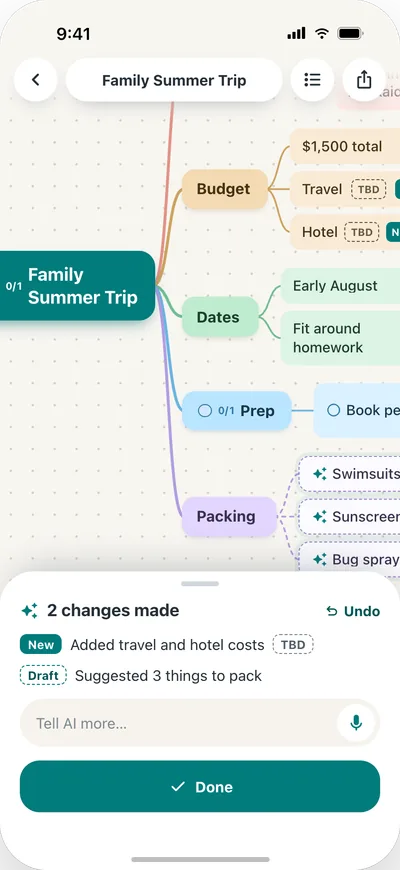
Just say what comes to mind. AI listens, splits it into nodes, and adds them to your mind map. Keep talking to add more.
How to use 02 AI suggestions Stuck? Ask AI
Stuck? Ask AI
for the next step.
AI suggests ideas that follow from the node you pick. Pick a direction (broaden, deepen, or an opposite view), then add only the ones you like.
How to use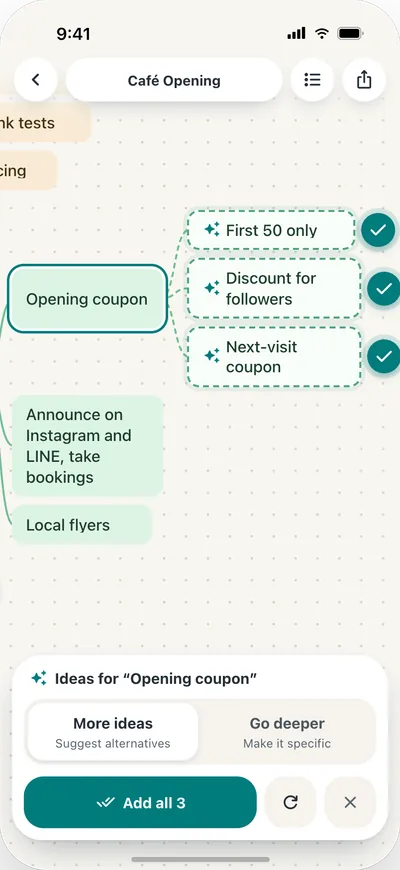
03 AI tidy-up Messy mind map?
Messy mind map?
Tidy it up.
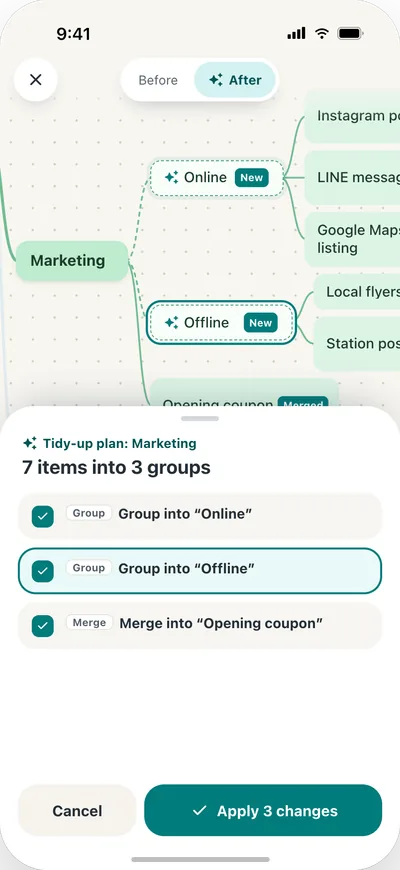
AI suggests how to group items and merge duplicates. Compare before and after, then apply only the changes you choose.
How to use 04 Outline Mind map and outline,
Mind map and outline,
side by side.
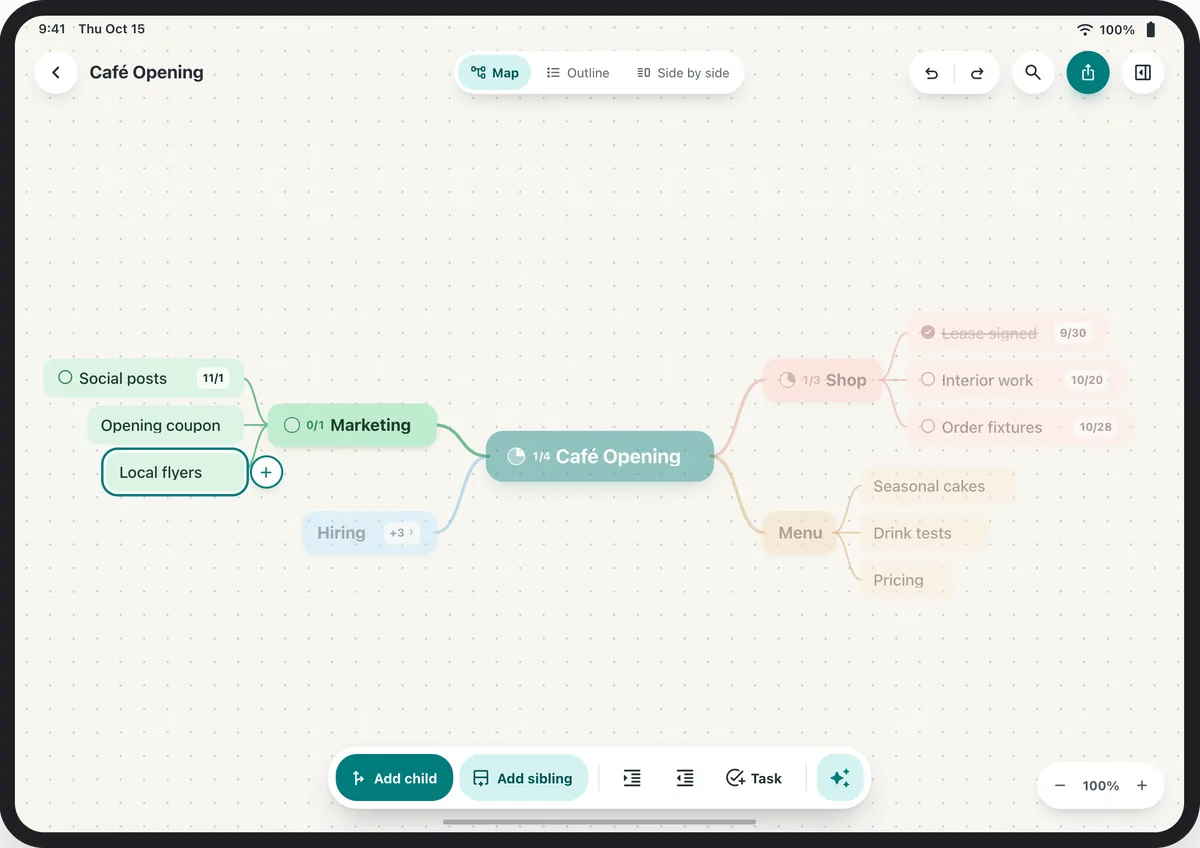
View the same content as an outline. On iPad, show it next to the mind map.
How to use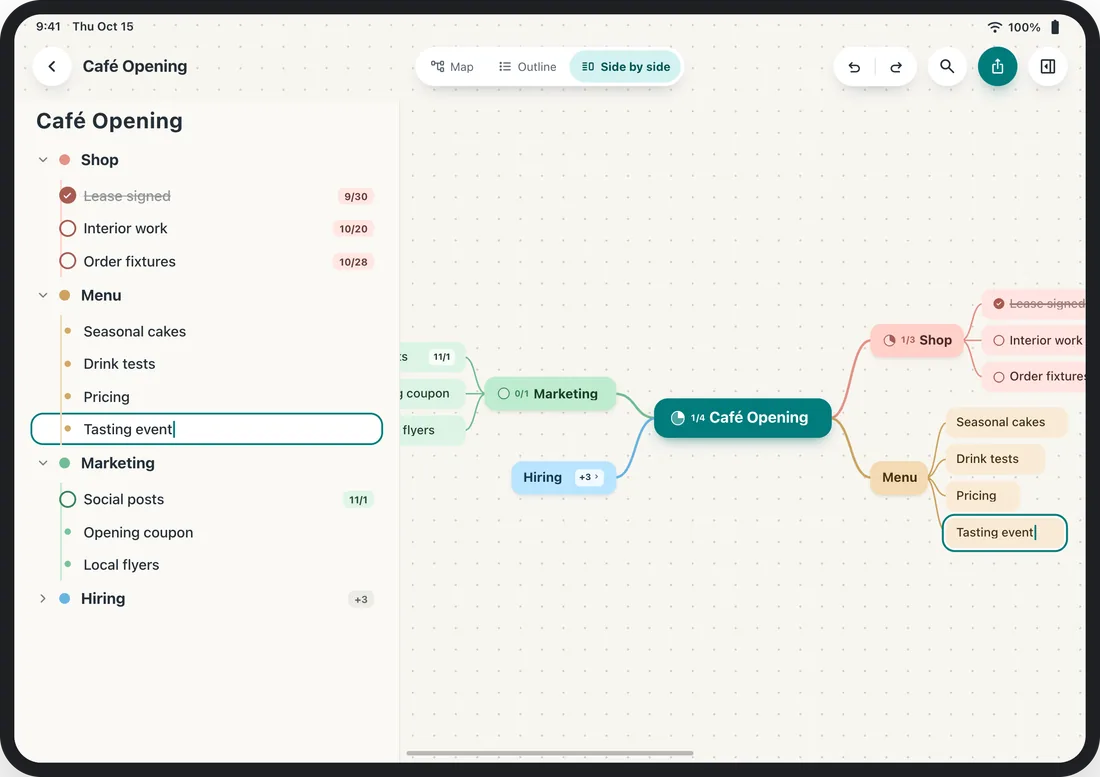
05 AI summaryExport with Premium Bring it all
Bring it all
together.
AI sums up your whole mind map in a short summary. With Premium, export your mind map as a PDF, image, Markdown, and more.
How to use
PRICING
Start for free.
Try AI 5 times a month for free. Premium removes the limit.
Free$0
- Create and edit mind maps
- Outline view
- Mind maps saved on this device
- Import (OPML, Markdown, text)
- AI 5 times a month
Premium
$24.99 / yearabout $2.08 a month
- Grow and tidy ideas with AI
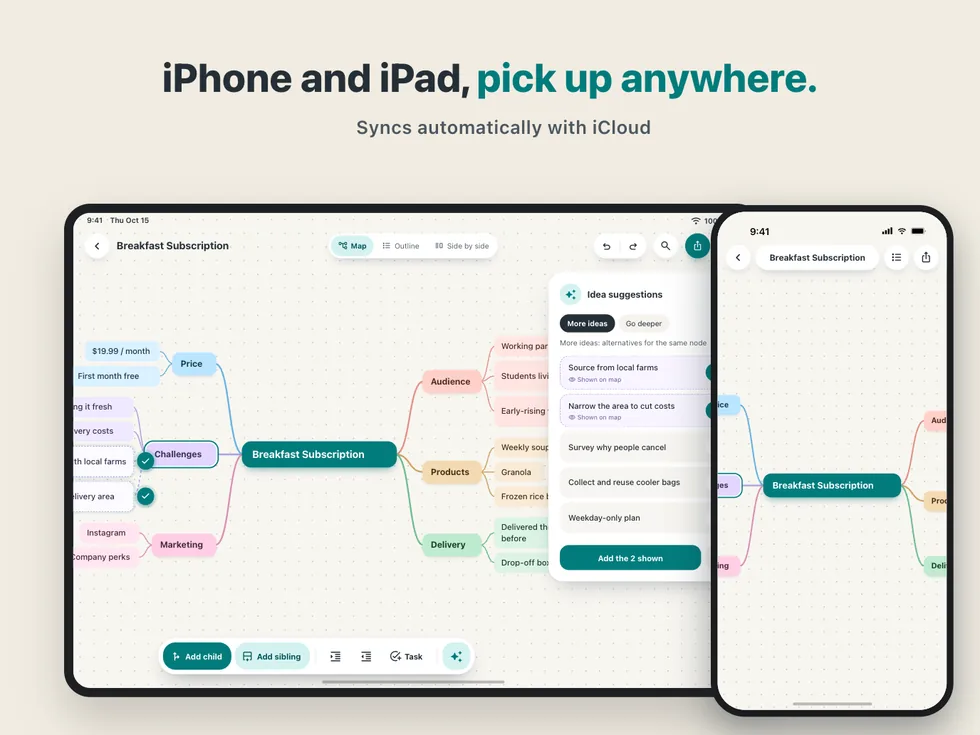
- Sync iPhone and iPad with iCloud
- Export as PDF, image, and more